Access your security systems remotely, across one site or multiple locations.
Advent Electronics helps businesses connect and manage security systems across sites, giving authorised teams a simpler way to view cameras, review events and manage selected system functions. The setup can include CCTV, video analytics, access control and alarm events, depending on the systems and platform involved.
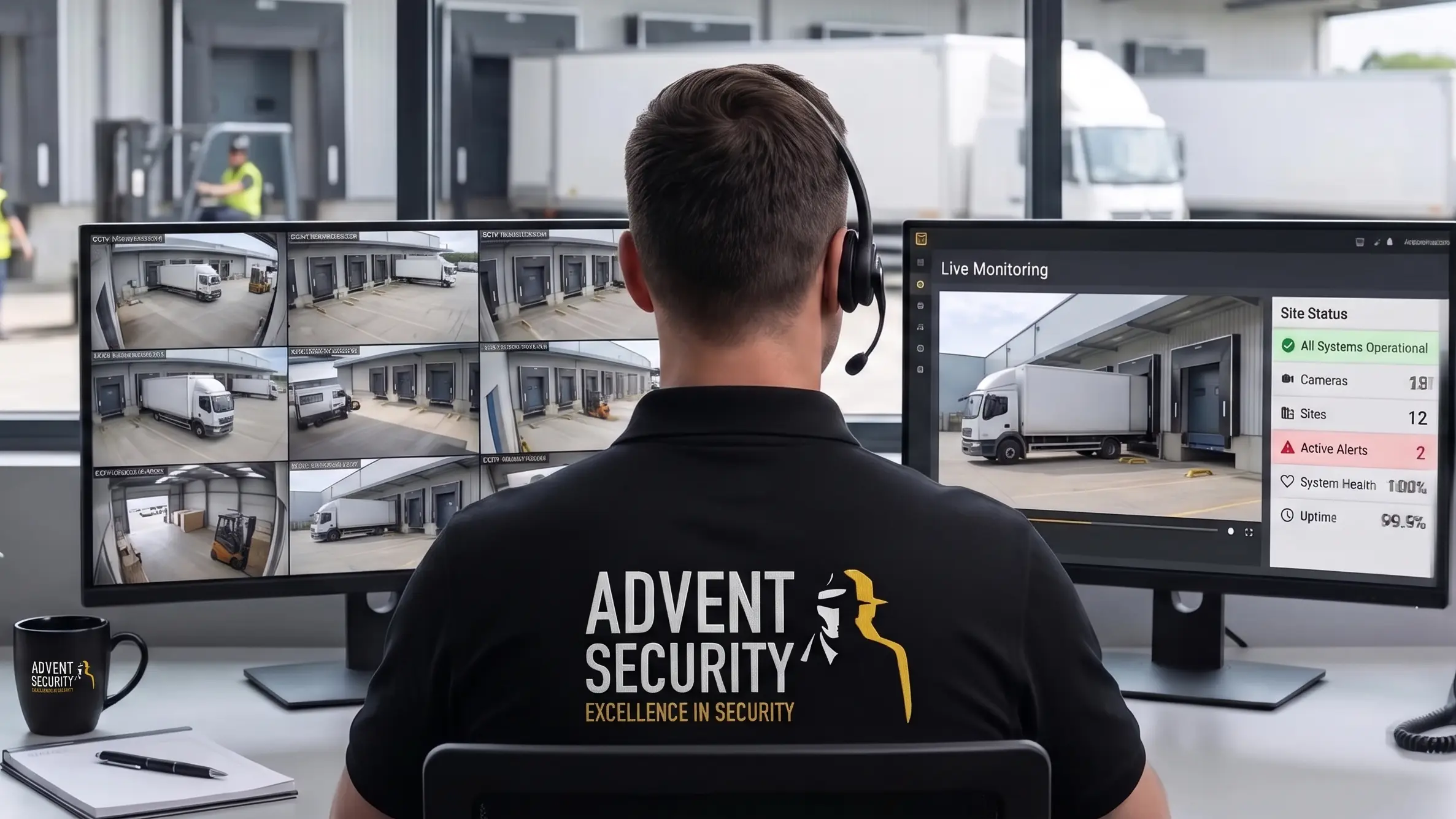
Cloud-connected security gives authorised staff a simpler way to view and manage security systems without being tied to one location. The right setup depends on your existing equipment, site connectivity and what your team needs to access.
View live or recorded footage remotely, where the system supports it.
Manage users and permissions through the selected platform.
Manage multiple locations from a central platform, where supported.
Review events and alerts without having to be at the site.
Connect video with access control, alarms or analytics where compatible.
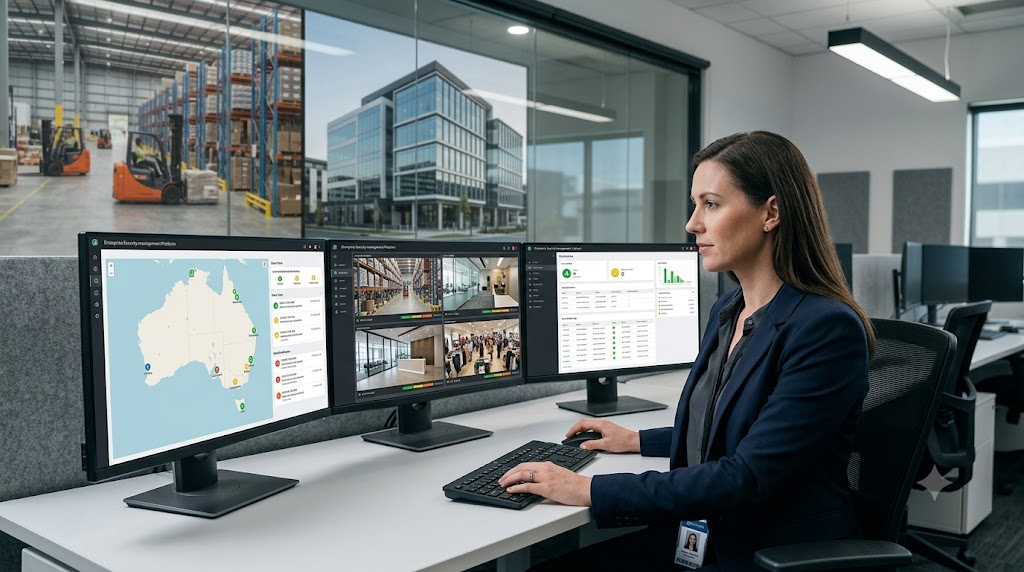
Cloud security monitoring lets authorised users access and manage supported security systems through a cloud-connected platform. Depending on the system, this can include CCTV, access control, alarms and other security events.
It can work well for a single site, but it is especially useful when staff need to work across several locations.
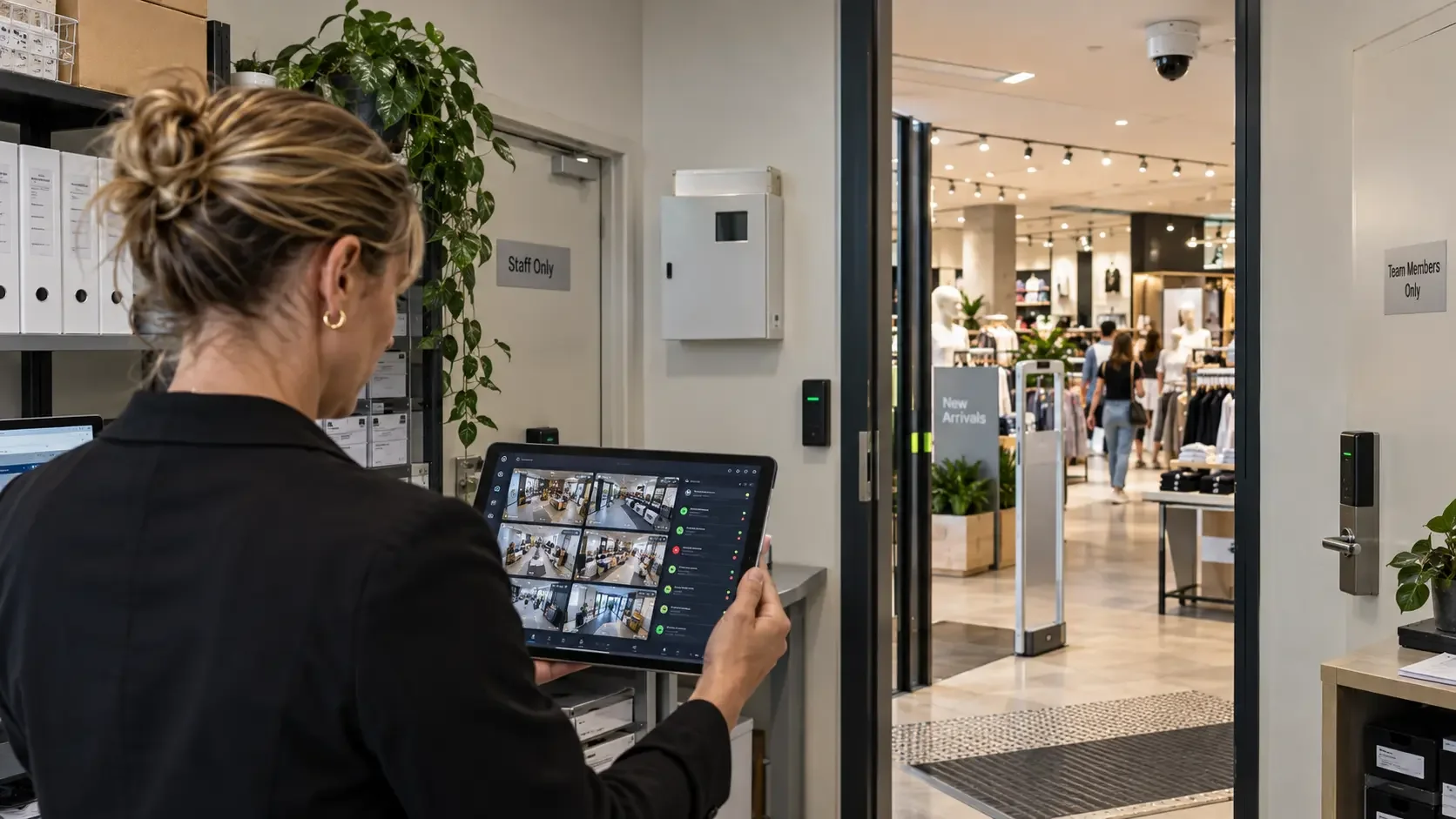
Your cameras, alarms and other connected devices send video or event information through the site’s network.
The cloud platform or gateway makes the relevant system functions available to authorised users.
Authorised users can review video, check events and carry out supported tasks remotely.
Authorised staff can access selected security information without being at the site.
Manage multiple locations through one platform, where supported.
Add cameras, users or locations as the system grows, subject to the chosen architecture.
Some cloud setups can reduce the amount of server or recorder hardware needed on site.
Manage users, permissions, events and selected system functions remotely, where supported.
Moving an existing CCTV system to the cloud does not always mean replacing the cameras. Depending on the equipment and platform, compatible cameras, recorders or video systems can sometimes be connected through a suitable gateway or cloud integration.
First, we check the existing system so you know what can stay, what needs changing and what the upgrade will involve.
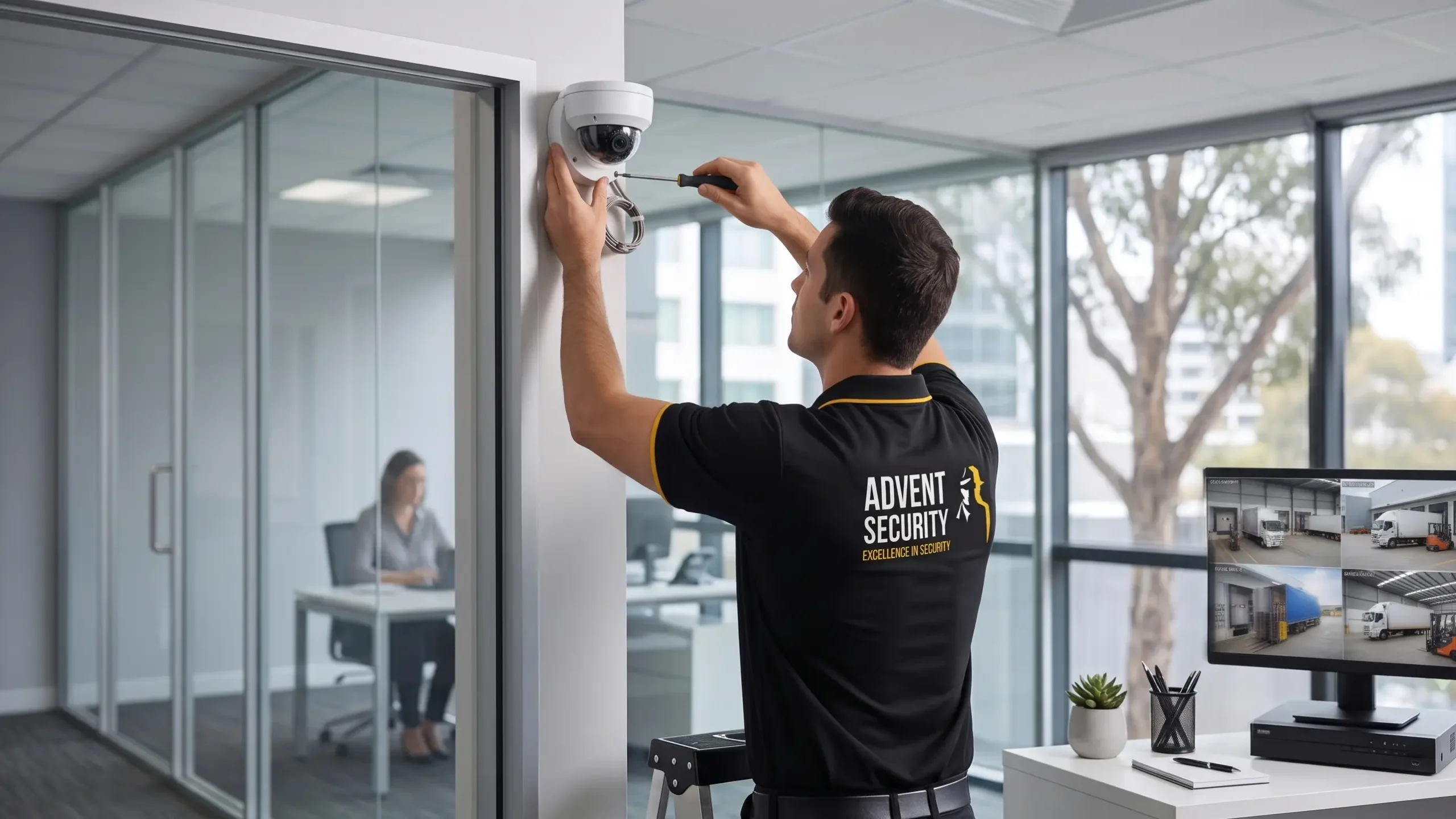
Review the existing cameras and recording environment.
Identify what should remain on site and what should be cloud-enabled.
Assess network and internet capacity.
Check compatibility with the selected cloud platform.
Define user, permission and access requirements.
Determine retention and storage requirements.
Test remote access, events, recording and resilience before handover.
Review analytics and integration requirements.
For businesses with several locations, a central cloud service can give authorised staff one place to review sites, events and users. It can also make day-to-day administration more consistent across properties.
Manage selected security information across stores and locations from a central environment.
Review security events across warehouses, depots and distributed facilities.
Support common administration across offices in several cities.
Connect selected security information across operational sites.
Manage changing or temporary sites where the selected architecture supports it.
Centralise selected information across controlled facilities subject to site requirements.
Cloud Monitoring can work alongside the other security systems on your site. The systems that can be connected depend on the equipment, software and integrations supported by the chosen platform.
Cloud Monitoring gives authorised users remote access to security information. Professional Alarm Monitoring is different: monitoring-centre operators assess alarm events and follow the agreed response process.
Authorised users access selected video, events, administration or workflows through the configured cloud architecture.
Professional monitoring-centre operators assess alarm events and follow the defined response process.
The cost depends on the size of the system, number of sites and how it needs to operate. We look at cameras and devices, storage, software or licensing, integrations, connectivity, installation and ongoing support.
Number of cameras, devices and locations requiring cloud connectivity.
Cloud, cloud-connected or hybrid design, including local infrastructure where required.
Retention, authorised users, permissions and storage requirements.
CCTV, access control, alarms, LPR, boom gates or other supported systems.
Network and internet capacity, site conditions and implementation requirements.
Installation, commissioning and the level of ongoing support required.
Advent brings 36+ years of security experience to electronic security projects, including CCTV, access control, alarms, monitoring and related technologies.
Australian security experience since 1990.
Certified information security management across Advent Security’s service operations.
Member of the Australian Security Industry Association Limited with Platinum Level status.
Professional monitoring capability is available through Advent’s dedicated Alarm Monitoring service.
Cloud Monitoring can work with other Advent Electronics solutions where the required integrations are supported.
Talk to Advent Electronics about your sites, existing security systems and connectivity requirements.
Cloud monitoring uses a cloud-connected platform to access and manage information from supported security systems. Depending on the solution, this can include CCTV, video analytics, access control and alarm events.
Cloud CCTV uses cloud services for functions such as remote access, management, storage, analytics or video management. The exact setup varies between platforms.
Many modern systems support remote access to live or recorded footage. The available functions depend on the cameras, VMS or cloud platform, network and user permissions.
Not automatically. Cloud, local NVR and hybrid systems all have their place. The right choice depends on connectivity, storage, resilience, IT requirements and the way the site needs to operate.
Sometimes. Compatibility depends on the cameras, recorder or VMS, network, image quality, supported interfaces and selected cloud platform. Advent should assess the existing system before promising an upgrade path.
Cloud-connected systems generally require network connectivity for remote cloud functions. Some architectures include local recording or buffering so selected functions can continue during an internet interruption.
Yes, where the selected platform supports multi-site management. This can allow authorised users to access and administer multiple locations from a central interface.
It can where the selected platforms support the required integration. This may allow authorised users to associate access events with CCTV or manage selected access functions remotely.
It can where compatible technologies support the required integration. Cloud connectivity can provide remote access to selected alarm information, while professional Alarm Monitoring remains a separate service.
No. Cloud Monitoring provides cloud-enabled access and management of security information. Professional Alarm Monitoring involves trained monitoring-centre operators assessing alarm events and following defined response procedures.
Yes, where the selected cloud or video platform supports analytics. Capabilities depend on the cameras, processing architecture, software and licensing.
Some cloud architectures reduce or remove certain local server or recorder requirements, but this is not universal. Hybrid architectures may still retain local recording or processing.
Security depends on the complete architecture, including cameras, accounts, network, cloud provider, authentication, permissions, software and operational practices. A cloud platform should not be described as secure by default.
The answer depends on the selected platform and service provider. Storage location, data-handling arrangements and retention should be confirmed before deployment.
There is no single price. Cost depends on cameras or devices, sites, architecture, storage, software or licensing, integrations, connectivity, installation and support.